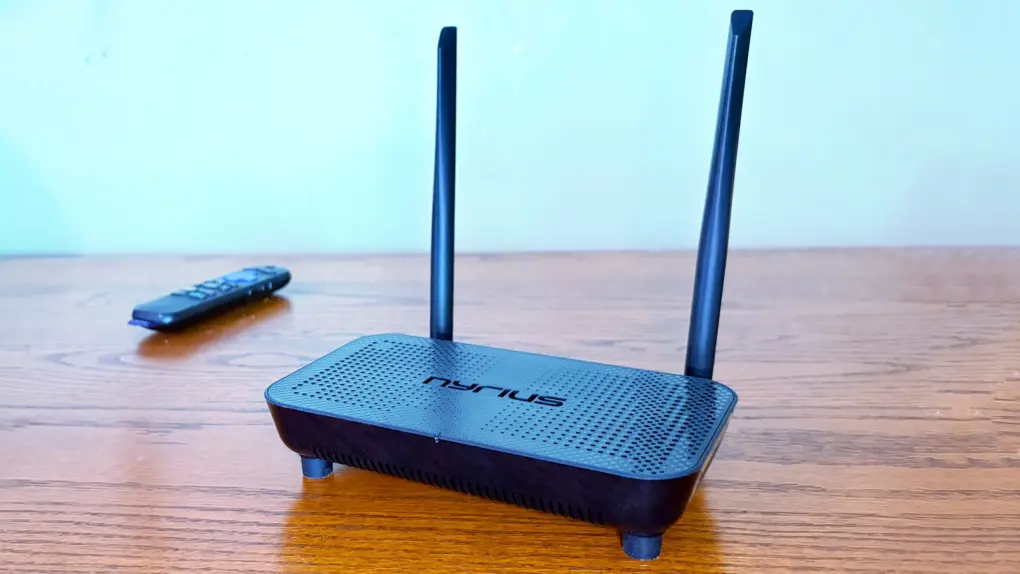
The Nyrius Phoenix Home True 4K60 Wireless HDMI Video Transmitter & Receiver (TBB85) lets you connect your MacBook to your TV without the hassle of stretching a cable between them.
I recently reviewed the Nyrius Orion Prime, which is the light-duty version. The company’s new model is the top-of-the-line option, packed with premium features, especially support for 4K60 video, but also a 500-foot range.
I tested the device and came away impressed.
Nyrius Phoenix Home True 4K60 Wireless HDMI Video Transmitter & Receiver review
Wireless HDMI systems, sometimes called wireless display transmitters or wireless AV extenders, remove one of the biggest hassles in home entertainment and office setups: long, messy cables snaking across floors and behind furniture. By transmitting high-definition video through the air, these devices make it easier to mount TVs then connect computers, gaming consoles, etc. without drilling holes or rearranging an entire room around a single cable.
Whether it’s for a home entertainment center or a lecture hall, wireless HDMI technology reduces clutter and simplifies installation.
Many wireless HDMI adapters are limited to 1080P. Not the Nyrius Phoenix Home — it can handle 4K video at 60Hz. And it offers an impressive range. Plus, it has other tricks, like mouse support.
Stream movies, sports or presentations wirelessly from any HDMI source such as a MacBook or Blu-ray player to TVs, projectors, and monitors in stunning 4K60 — no cables, no apps, no Wi-Fi required
- 4K, not just 1080P
- 500 foot range
- Bulky hardware

Table of contents: Nyrius Phoenix Home review
- HDMI video transmitter and receiver packed with features
- 4K60 performance
- 500-foot range
- Bonus features: IR extender plus remote keyboard/mouse
- Nyrius Phoenix Home: Final thoughts
- Pricing
HDMI video transmitter and receiver packed with features
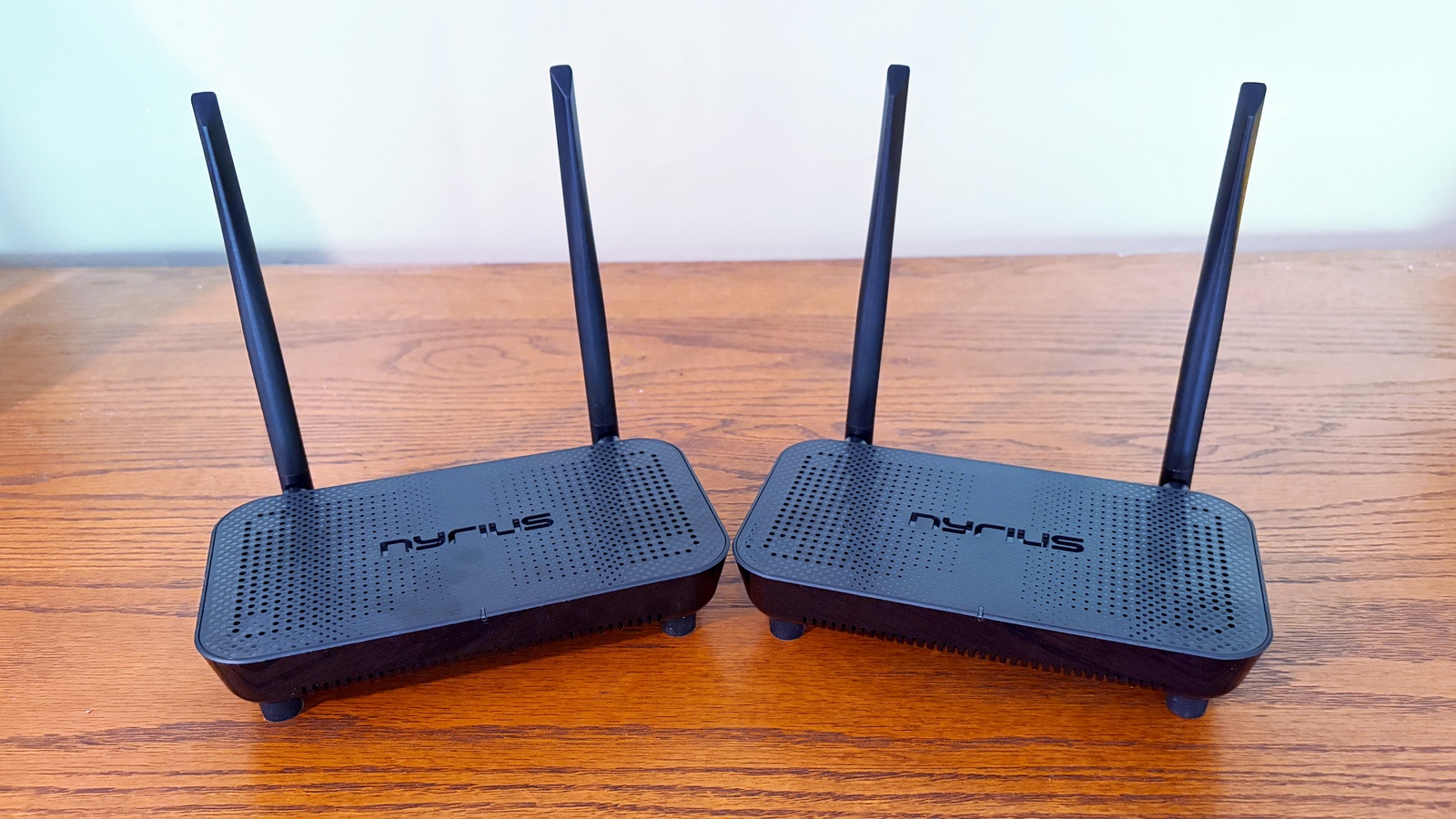
Photo: Ed Hardy/Cult of Mac
Nyrius’s new wireless HDMI video transmitter and receiver are powerful, but the two units are not small. At 7.5 inches by 4.2 inches by 1.6 inches — not counting the antenna — these are not travel gear.
But they are packed with features. The transmitter unit includes two HDMI ports so I can plug in my computer as the video source, and also a screen to put right in front of me.
The receiver includes a single HDMI port for connecting to the remote screen.
Plus, there are ports on both units for the Nyrius Phoenix Home’s handy bonus features: the IR extender and remote keyboard/mouse.
Please note that both the transmitter and receiver need to be plugged into a power socket. Make sure that’s an option in your home entertainment center.
That said, I found setting up to be about as simple as I could hope for. The only quirk is that the transmitter unit only handles HDMI input, so you might need an adapter if your MacBook just has USB-C ports. All I needed to do was plug my computer into the transmitter, plug the receiver into my TV, and the devices wirelessly connected and video started streaming.
There’s no special software to install, and the devices do not need access to my Wi-Fi network.
4K60 performance
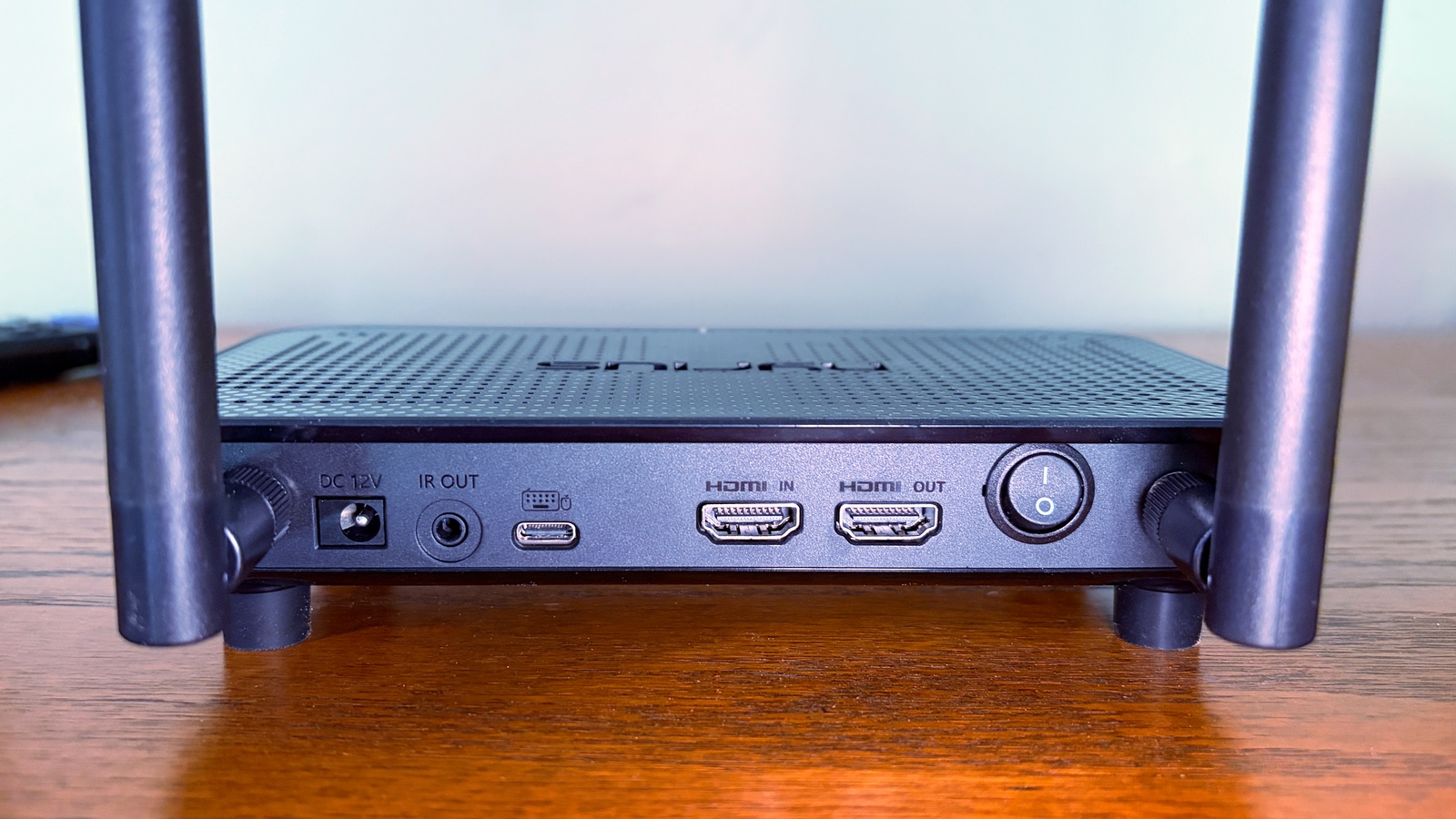
Photo: Ed Hardy/Cult of Mac
I mentioned the Nyrius Orion Prime before. That’s a more portable option that I reviewed last year. I love it, but it’s limited to 1080P and a 150-foot range. The same is true for the other wireless HDMI adapters I’ve tested over the years.
But Nyrius’s latest is an exception. You can send 4K video at 60Hz from your MacBook to the Phoenix Home True 4K60 Wireless HDMI Video Transmitter & Receiver. To me, that justifies the extra bulk.
I tested the product with my 4K monitor and it worked like a charm. No problem at all.
500-foot range
Nyrius promises that the wireless video transmitter will make a connection up to 75 ft away through walls and up to 500 feet through line-of-sight. It does channel switching to reduce the chances of interference.
I tested the accessory throughout my house and was always able to make a connection, even through walls.
Bonus features: IR extender plus remote keyboard/mouse
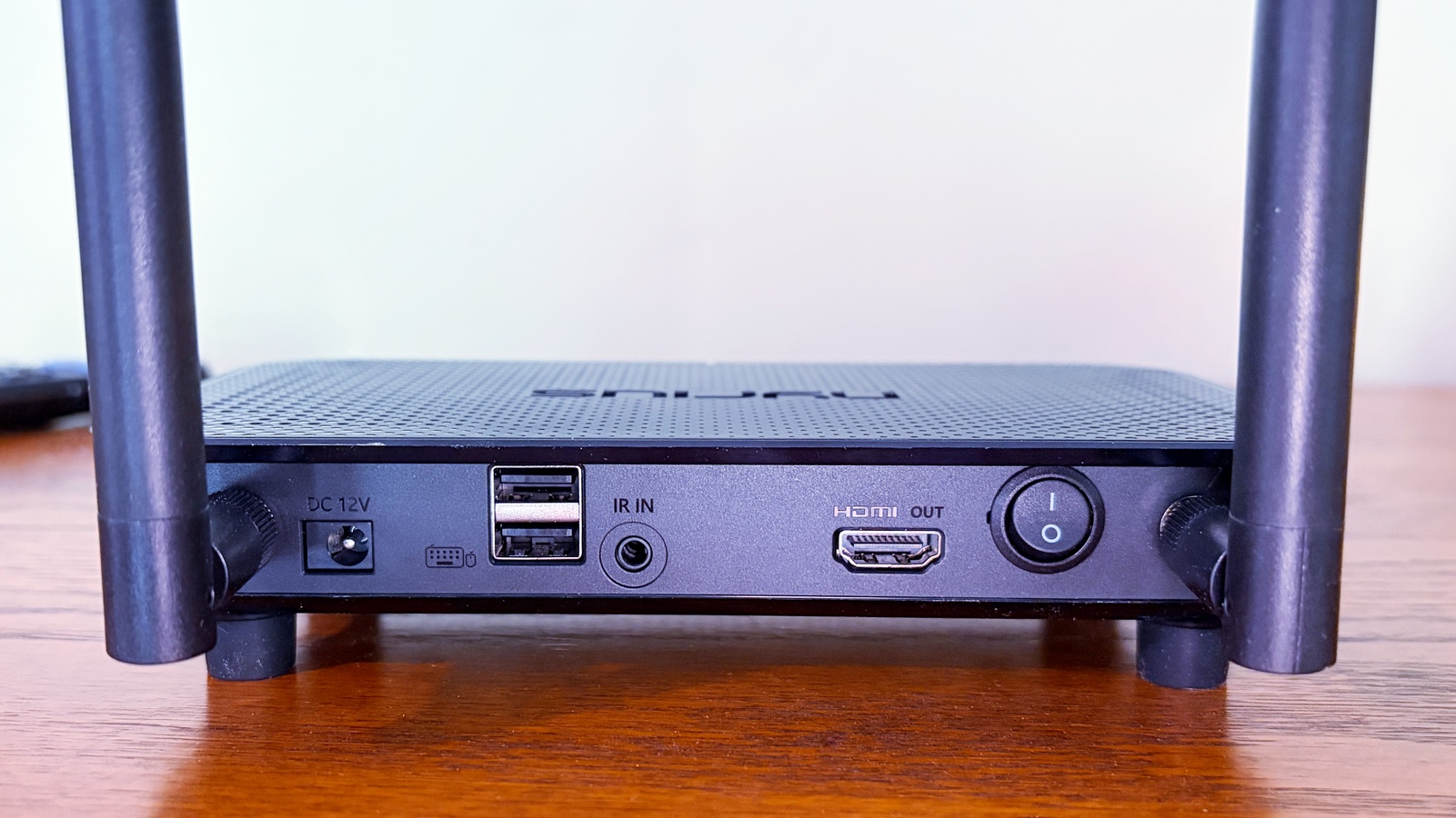
Photo: Ed Hardy/Cult of Mac
Suppose you’re at the back of a lecture hall and want to turn on a TV way up at the front so you can send video to it through the Nyrius Phoenix Home. That requires the TV’s IR remote, but you’re too far away for that to work.
No problem — the product includes an IR receiver and an IR transmitter. Just point the TV remote at the IR receiver, and the signal will be sent to the TV.
You need to plug in cables with the IR receiver and the transmitter as part of setting up the wireless HDMI system, of course.
Now consider an opposite scenario. You’re at the front of the lecture hall and want to use the keyboard and mouse for the MacBook connected to the HDMI transmitter way in the back of the room.
Again, no problem. The Phoenix Home includes USB ports so you can connect a keyboard and mouse to the HDMI receiver at the front of the room, and connect the HDMI transmitter in the back of the room to a USB-C port on your computer.
Just so there’s no confusion, the USB-C port on the HDMI transmitter cannot handle video. It’s for accessories only.
Nyrius Phoenix Home True 4K60 Wireless HDMI video transmitter and receiver review: Final thoughts
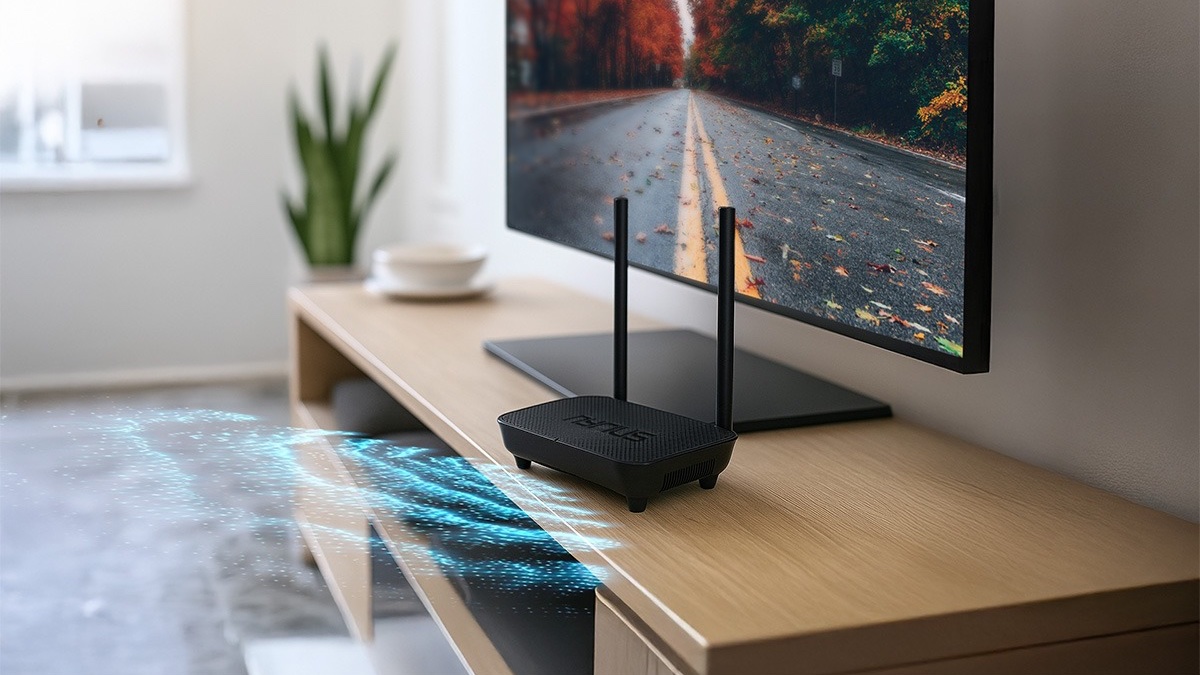
Photo: Nyrius
I want 4K video for my 4K TV, of course. And I can send that from a MacBook to my TV without stretching a cable across my living room with this wireless adapter. It’s something none of the rival products I’ve tested have been able to give me.
Set up is relatively easy, and the extra features are surely welcome additions for anyone planning to use the product in a lecture hall.
The bulky hardware and power requirements seem like unavoidable requirements of a high-end device. The lack of USB-C video is the only limitation that I find irritating.
★★★★☆
Pricing
Nyrius Phoenix Home True 4K60 Wireless HDMI Video Transmitter & Receiver (TBB85) launched on Thursday, May 21 priced at $249.99.
Stream movies, sports or presentations wirelessly from any HDMI source such as a MacBook or Blu-ray player to TVs, projectors, and monitors in stunning 4K60 — no cables, no apps, no Wi-Fi required
- 4K, not just 1080P
- 500 foot range
- Bulky hardware
Nyrius provided Cult of Mac with a review unit for this article. See our reviews policy, and check out more in-depth reviews of Apple-related items.

Ed Hardy has been writing full-time about tech for 25 years, and using it for much longer than that. His intro to Apple was a Macintosh SE/30 (which he still has), but now he uses a 13-inch iPad Pro as his primary computer.
That’s because he’s a “tablet first” type of guy. Rather than use a Macbook, he connects a keyboard case to the iPad. And instead of a desktop Mac, he connects his tablet to a 27-inch display and full-size keyboard. (So don’t try to tell him that everyone has to use a Mac to be productive.)
Before coming to Cult of Mac, Ed wrote for NotebookReview, TabletPCReview and Brighthand, as well as other sites.

